Skip to content
Canvaz X

Service

AI integration

AI that does a real job in your workflow.

The problem

You know AI could help, but chat tools do not connect to your data or your workflow. Staff copy and paste into them, and the result goes nowhere.

What you get

What is in the box when we are done.

  • A short list of AI use cases ranked by value and risk
  • AI built into your software, using your data
  • Classification, drafting, forecasting or anomaly detection, as needed
  • Human review and override on every AI action
  • Monitoring for model drift and errors
  • Clear documentation of what the AI does and does not do

How it works

The steps, in order.

  1. Step 1: Pick the job

    One clear task with a measurable result.

  2. Step 2: Test on your data

    We check accuracy before anything goes live.

  3. Step 3: Build it in

    The AI runs inside your workflow, not in a separate tab.

  4. Step 4: Human in the loop

    Staff review results until trust is earned.

  5. Step 5: Monitor

    We watch accuracy and retrain when needed.

Related work

Projects that involved AI integration.

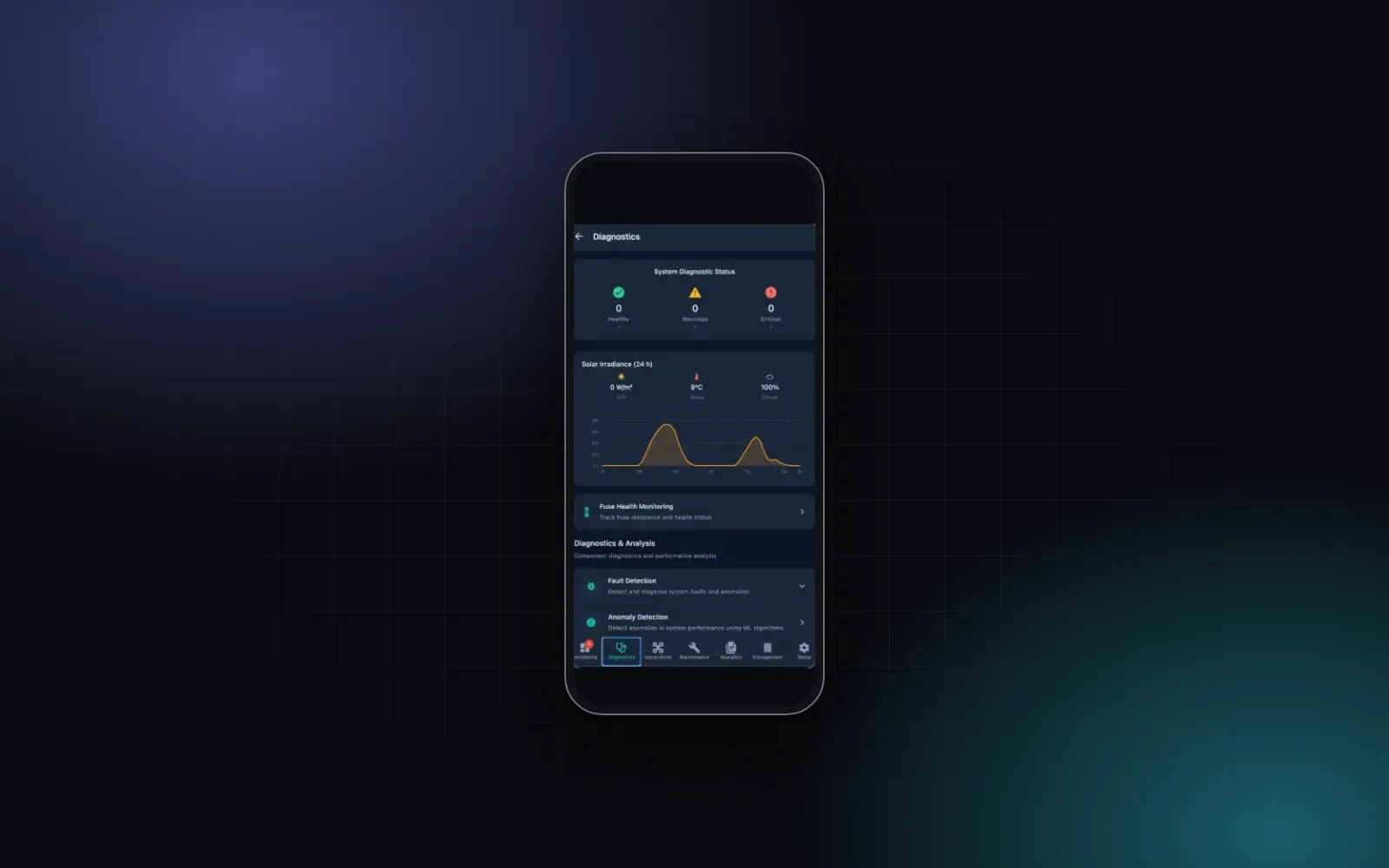
  • The AI4Solar mobile app's diagnostics screen on a phone: system diagnostic status counters, a 24-hour solar irradiance chart, and entries for fuse health, fault detection and anomaly detection.

    AI4SolarRenewable energy

    AI4Solar

    Solar plant monitoring that reads inverters, drone images and satellite data, finds faults early and turns them into alerts and maintenance tasks.

    • AI integration
    • Dashboards and data
    • Custom software
    • E-commerce and payments
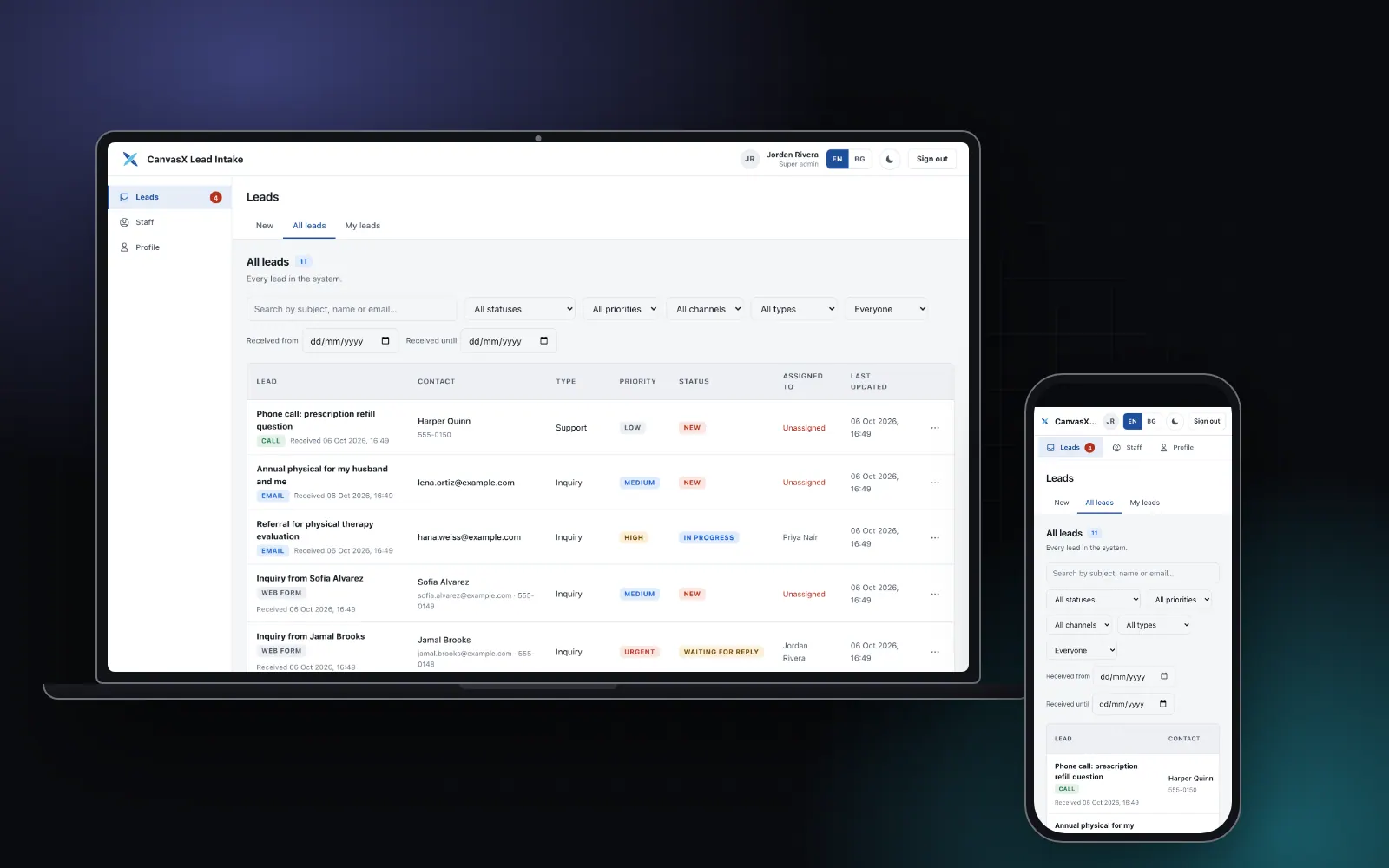
  • CanvasX Lead Intake on a laptop and a phone: the all-leads queue with a filter bar and a table of demo leads showing channel, type, priority and status.

    Medical centersHealthcare

    CanvasX Lead Intake

    Every patient enquiry read in one shared queue, with automatic replies and meeting scheduling. Used by medical centers in the United States.

    • Custom software
    • Business automation
    • AI integration
    • Dashboards and data

See all AI integration work

Tech stack

What we build it with.

  • Python with scikit-learn, XGBoost, LightGBM, PyTorch and Prophet
  • FastAPI for model serving
  • Large language models from Anthropic and OpenAI
  • MLflow for model tracking

Questions we hear

Is our data safe?

We keep data in your systems and send a model only what it needs. We agree data rules with you before we start.

How accurate will it be?

We measure on your data before launch and tell you the result, good or bad.

Can staff override the AI?

Always. Every action can be reviewed and changed.

Do we need lots of data?

For language tasks, no. For forecasting and fault detection, more history helps. We check what you have first.

What does it cost to run?

It depends on volume. We estimate running costs during scoping.

Talk to us about AI integration.

Tell us what you need. We will say plainly whether we can help and what we would do first.

Start a project