CanvasX Lead Intake
Every patient enquiry read in one shared queue, with automatic replies and meeting scheduling. Used by medical centers in the United States.
- Client
- Medical centers
- Industry
- Healthcare
- Services
- Custom software, Business automation, AI integration, Dashboards and data
Challenge
Leads were reaching businesses and then disappearing. A web form or an email arrived, and nobody could say who had answered it, or whether anyone had. It was a black box. For a medical center, an unanswered enquiry is a patient who books somewhere else.
Approach
We started with one rule: no enquiry waits for a human to follow up. Everything else followed from that. One queue for every channel. Clear ownership. An automatic first response that is useful, not a 'we got your message' note. And a full record of every step, so staff can trust what the system did.
Solution
- One queue for website-form and inbound-email leads, with New, All and Mine views and a ticket drawer
- Automation: the system reads each request, replies at once and books the consultation
- Staff can review and override every automated action from the queue
- Replies thread back onto the same lead; bounces, out-of-office replies and spoofed senders are handled
- Roles, granular permissions, two-factor sign-in, audit log and login history
- Team notifications, so no lead sits unanswered
Used by medical centers in the United States.
An enquiry that waits is an enquiry that may be lost. CanvasX Lead Intake exists so that no request from a website form or an inbound email waits for a person to notice it. The system reads the request, answers it, takes the next step and tells staff, and every action stays visible in one queue.
The automation, step by step
Request arrives
A website form or an inbound email lands in the one lead queue, matched to the right conversation.
AI understanding
The system reads the request and classifies its intent and urgency.
Instant reply
A personalised answer goes out straight away on the clinic's behalf, day or night.
Meeting scheduled
The system offers available time slots and schedules the consultation.
Calendar invite
A calendar invite reaches both the patient and the staff member.
Staff can review and override every automated action from the queue.
Take a typical request: someone writes at night asking for a first consultation. The system works out that it is a new appointment and how urgent it is. A personalised reply goes out on the clinic's behalf with times the person can choose from. Once they choose, the consultation is scheduled and both the patient and the staff member get a calendar invite. Nobody on the clinic's team had to open an inbox first.
Automation is only useful if staff can trust it. Every automated action appears in the lead queue next to the human ones, and staff can review any of them and override it.
One queue for every channel
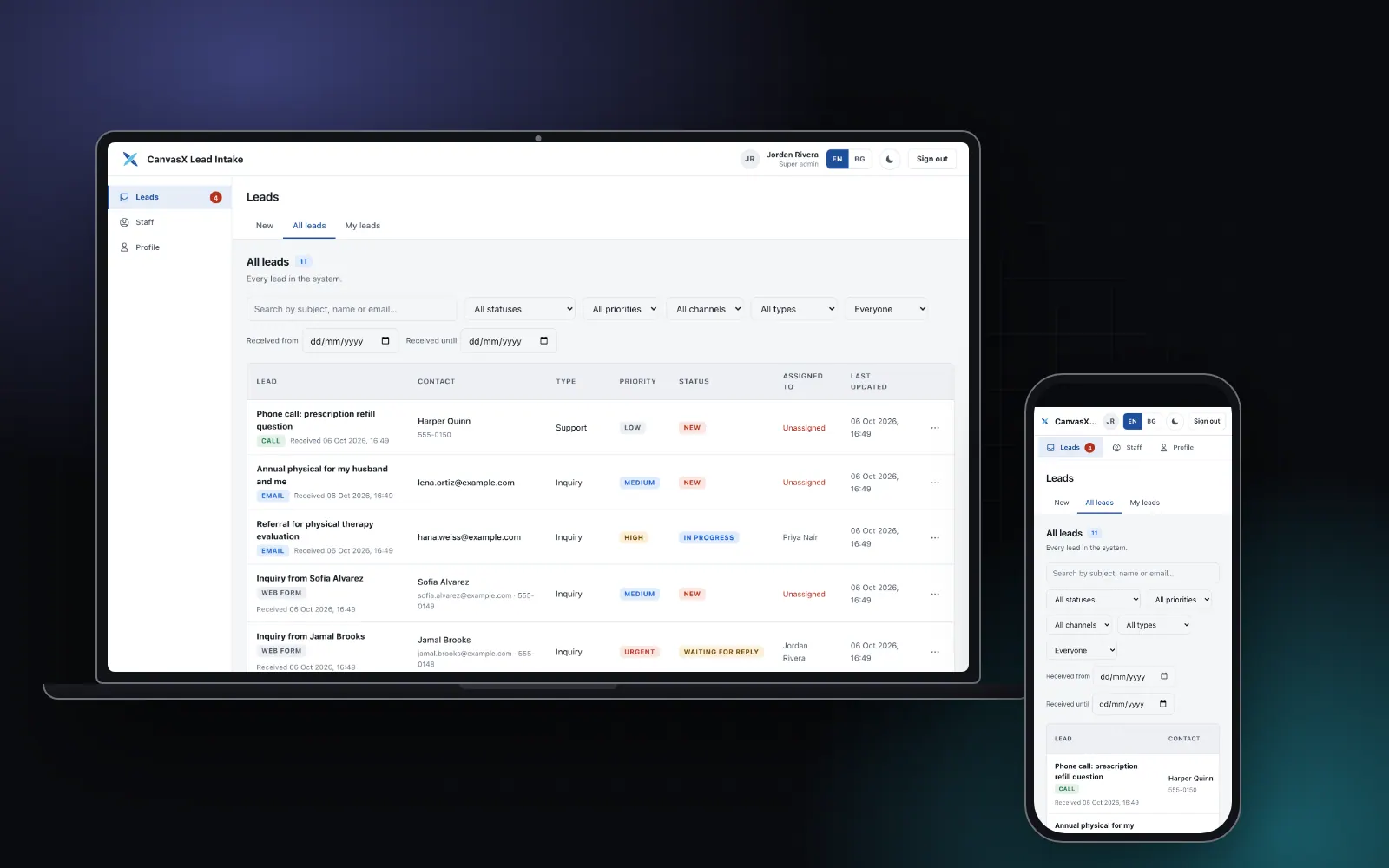
Every lead from the website form and from inbound email lands in a single queue. Staff work from three views: New, All and Mine. Opening a lead shows a drawer with the whole conversation, the lead's unique reference number, who it is assigned to, its status and its priority. A lead moves from new through in progress and waiting for reply to resolved and closed, and a nightly job closes resolved leads that have gone quiet for seven days.
The screens below are real captures of the app, filled with invented demo data.
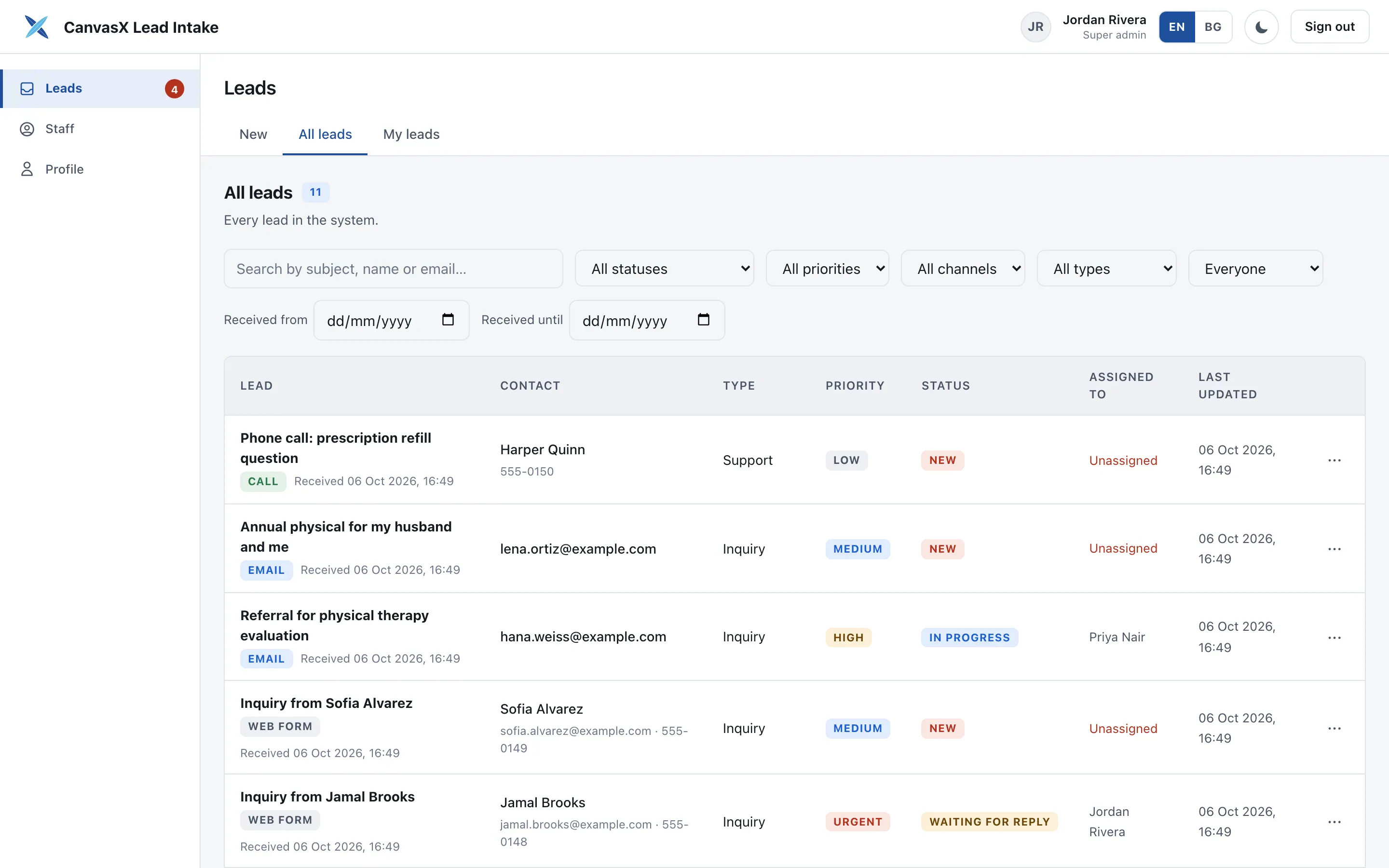
The all-leads view, filled with invented demo leads.
Threads that stay tidy
When a prospect replies, the reply joins the same lead automatically. The system looks for the lead's own header first, then the standard reply headers, then a plus-address, then the reference number in the subject, and only then starts a new lead.
Bounces and out-of-office replies are recognised and recorded without creating noise. A bounce never opens a lead, and an out-of-office note changes nothing else. A message from a sender who has no business on a thread cannot join it; it becomes a new linked lead instead, and the original lead keeps a record of the attempt.
Outbound mail goes through Resend. A reply is saved before it is sent, so a failed send never loses what staff wrote.
Access control and a record of everything
Staff accounts carry roles and granular permissions, with per-person overrides when a role is too broad or too narrow. Two-factor sign-in, recovery codes and secure password reset are built in. Every action lands in an audit log, next to a login history.
Notifications
New leads and new replies are emailed to a configured staff list, and a badge in the navigation shows how many leads are waiting. Together they exist for one reason: so that no lead sits unanswered.
How it was built
The backend is Node and TypeScript on PostgreSQL through Prisma, and the staff app is React. A few details were worth getting right.
- Inbound email arrives through a signed webhook. The signature is checked over the raw bytes and compared in constant time, and a replayed message changes nothing.
- Replies and CC edits lock the lead row while they run, and the nightly jobs run under a database advisory lock so that only one instance does the work.
- Tests read the live router: every endpoint must have an owner, and every permission in the catalogue must exist in the seed data.
The sign-in and helpdesk foundations were carried over from an earlier in-house project, then extended for this one.
- Response to a new enquiry
- Instant, around the clock
Outcomes
- Response to a new enquiry
- Instant, around the clock
- Where it is used
- Medical centers in the United States
- Staff control over automation
- Every automated action can be reviewed and overridden
Stack
- Node.js 20+
- TypeScript 5.7
- Express 4.21
- PostgreSQL
- Prisma 7.10
- Zod 4
- Resend 6.4
- otplib 13 (two-factor sign-in)
- React 18.2
- Vite 7.3
- TanStack Query 5
- styled-components 6
- AI language model
- Jest 29
- Vitest 4
Services used
Bacchus ERP
Fine wine trade (UK)